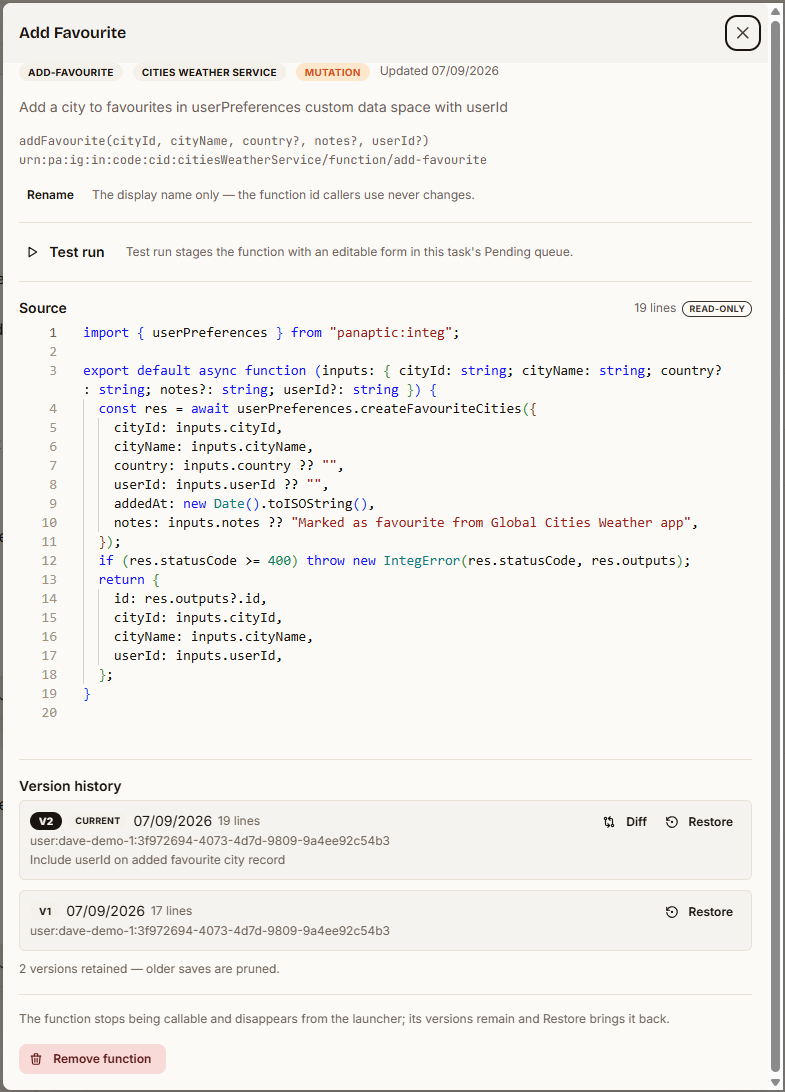
Code functions are a way to define operation logic such that it can be reused by applications, the agent or other operations. They are typically used to access data sources, or perform some kind of calculation. By defining the logic as a function, you can be sure the same thing happens everytime it is used, regardless of the reason.
For example, you might have a function that adds a new order to a customer. The function can define some common logic you always want to apply, such as a calculation for shipping costs. If te function is used from an application, directly by the agent, or from another code function, you can be sure the same calculation method is used throughout, instead of re-defining it at each source.
Each Code Function is kept in a Code Library. A Code Library is a way to group related Code Functions together.
The ‘Code Functions’ App
From your main user session, you can launch the ‘Code Functions’ app to list all Code Libraries and Functions available to you.
First is the list of Code Libraries.
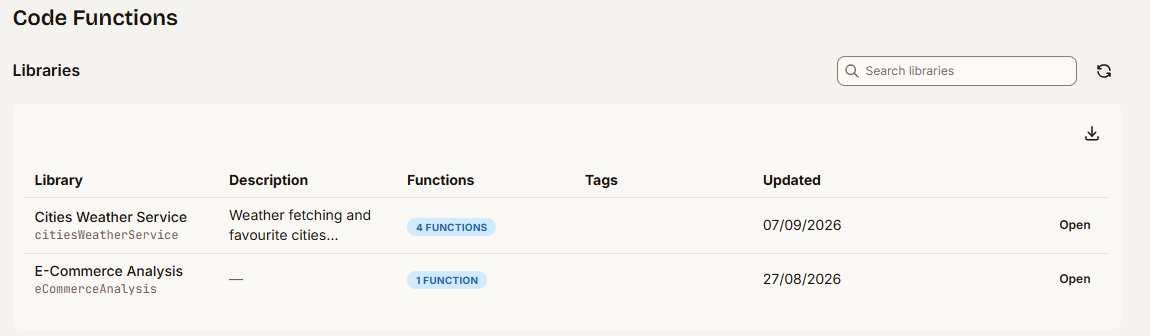
Click the Open button on the Code Library that interests you to see the list of Code Functions contained by that Library.
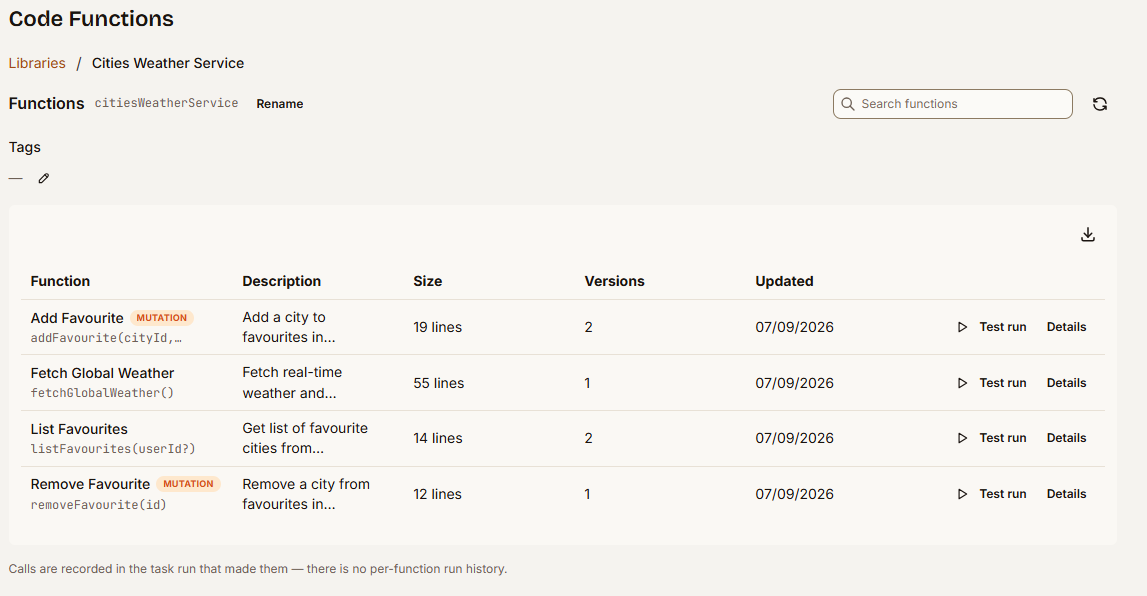
It’s not usually necessary to examine the source code of a Code Function, but you can do so by clicking the Details button on the list. The Code Function’s version history is also available from this screen, as is the option to delete the Function.